Open anything
Launch apps with their real icons, and jump to one that's already open instead of starting a second copy. Open websites, files and folders.
NewGlow keys and OBS scene buttons
Launch apps, switch OBS scenes, control music and volume, press any shortcut, go live with one tap.
DeckPad fills your Android phone with Stream Deck-style keys that launch apps, open websites, press shortcuts, control music and volume, and run OBS on your Windows PC. Over USB or Bluetooth. No account, no cloud.
How it feels
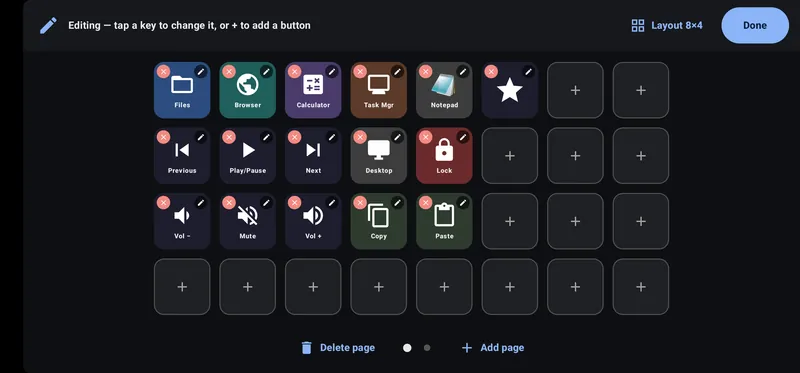
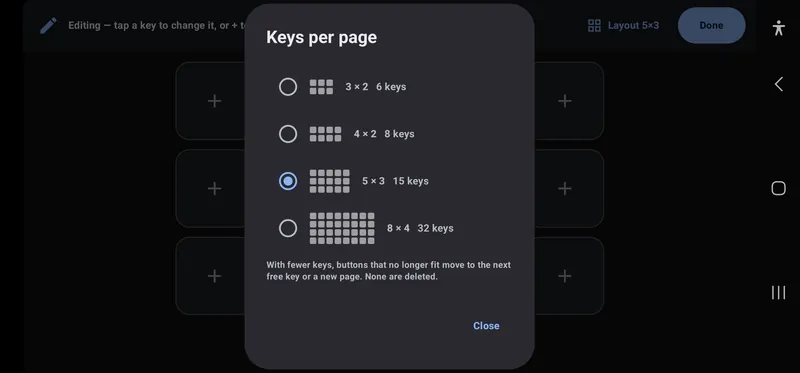
3×2, 4×2, 5×3 or 8×4 keys per page, and as many pages as you need.
Tap + and choose what the key does: open an app, a website or a file, press a shortcut, control media, volume, the PC or OBS.
Turn on Glow for a neon edge and halo around the key, in the colour you pick.
DeckPad for Windows does the rest. Over a USB cable a press reaches the PC in a few milliseconds.
What a key can do
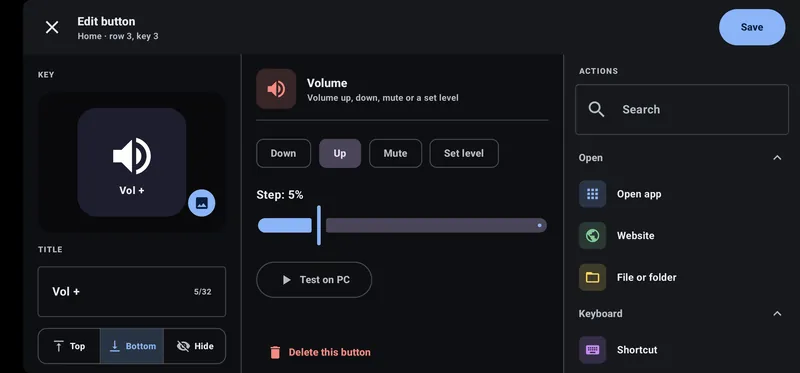
Pick an action, give the key a name and an icon, and press it. DeckPad for Windows does the rest.
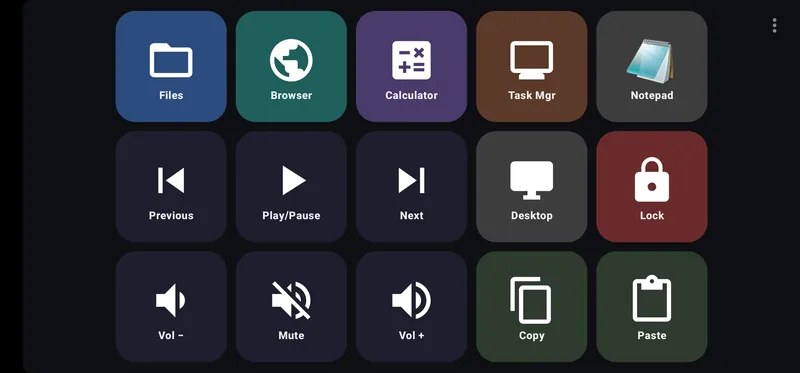
Launch apps with their real icons, and jump to one that's already open instead of starting a second copy. Open websites, files and folders.
A neon edge and halo around any key, in eight colours or white.
Press any key combination, or type a saved piece of text with one tap.
Play, pause and skip tracks. Volume up, down, mute, or straight to a level you choose.
Lock the PC, put it to sleep, show the desktop or take a screenshot.
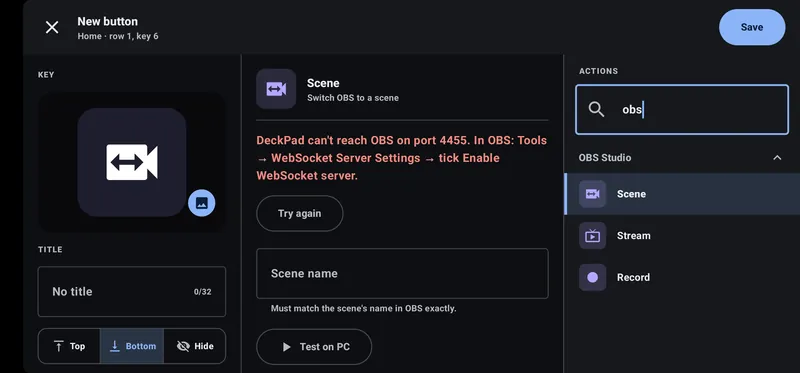
Switch scenes and start or stop streaming and recording, with OBS Studio 28 or newer. Streaming guides
As many pages as you need, folders of keys, and a profile for each task.
That phone in a drawer is perfect. DeckPad keeps the screen on while the deck is open and dims it when you're not touching it.
For streamers
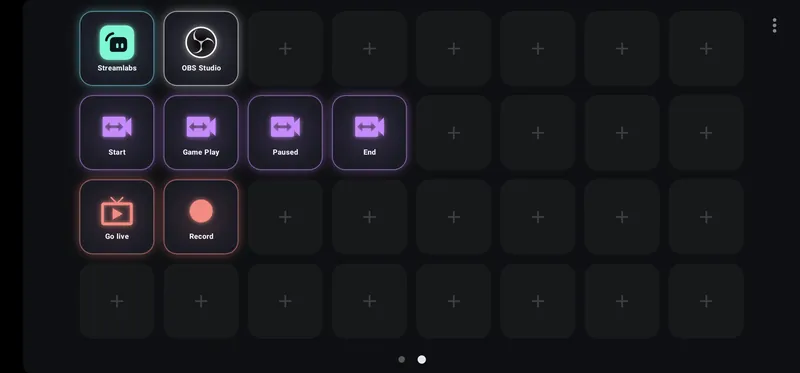
Start, Game Play, Paused, End: give each OBS scene its own glowing key, plus Go live and Record. Using Streamlabs Desktop? Its hotkeys and DeckPad's Shortcut keys get you there today.
Switch scenes, go liveGo live, then Game Play: OBS follows every tap.
Stream or build
Run your stream from a page of scene keys, or add a ready-made Developer page for coding and multitasking. Keep both, and swipe between them.
A key per scene, Go live and Record, and your streaming apps one tap away.
Streaming guides
VS Code, Terminal, Slack, Claude and Grok, plus snapping windows and switching desktops, laid out for you by Add page → Developer.
DeckPad for developers
Real screens
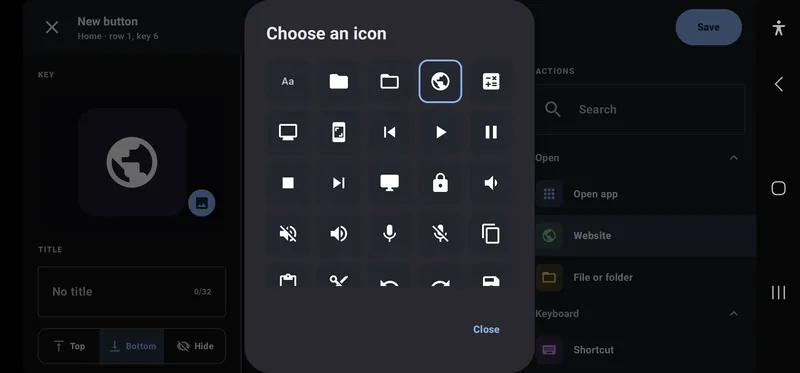
Screenshots of DeckPad on a Samsung phone, held sideways.
Connection
A few milliseconds
Tens of milliseconds
Use both: DeckPad takes the cable whenever it's plugged in and Bluetooth the rest of the time. Wi-Fi isn't supported yet.
Private by design
How it works
A small app that sits in the notification area next to the clock. It runs the actions; there's nothing to set up on the PC.
Plug it in with a USB cable (turn on USB debugging once), or choose your PC over Bluetooth if they're already paired.
Type the 6-digit code your PC shows into the phone. A starter deck is ready to go, and you can edit any key right on the phone.
Install the phone app and DeckPad for Windows, then follow the getting started guide.